
Connect a Datafox terminal to HiBob
The hours are created at the terminal and they are needed in HiBob. conni takes care of the step in between and transfers every entry automatically, so nobody has to pull them out of the device and move them into the software by hand.
What data does conni transfer to HiBob?
conni collects the entries captured at the Datafox terminal and transfers them automatically into HiBob via the official API.
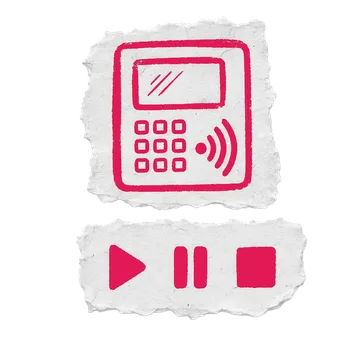
Captured at the Datafox terminal
- Clock in
- Break start
- Break end
- Clock out
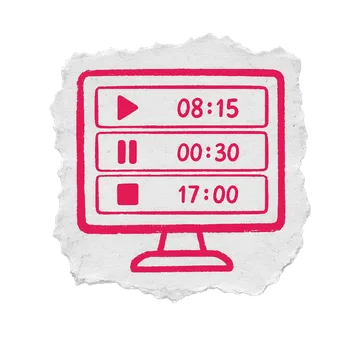
Automatically in HiBob
- Attendance times per employee
- Working and break time from the entries
- Matched via the employee ID in HiBob
Note: The exact data scope and direction depend on your HiBob licence and the conni modules you've enabled. In a consultation we'll clarify what gets transferred in your case.
Requirements & setup
- An API access token in HiBob
- A supported Datafox terminal
- The conni base module for data transfer

How to create the API credentials in HiBob and where to find your employees' user IDs is covered step by step in the conni knowledge base.
Open the guide
No retyping
Clock-in times land in HiBob automatically, no exporting, no duplicate work.
GDPR-compliant
Official API, servers in Germany, encrypted transfer.
Runs on its own
conni transfers autonomously in the background, nothing for you to manage.
Terminals that fit HiBob
We recommend these Datafox terminals for use with HiBob:
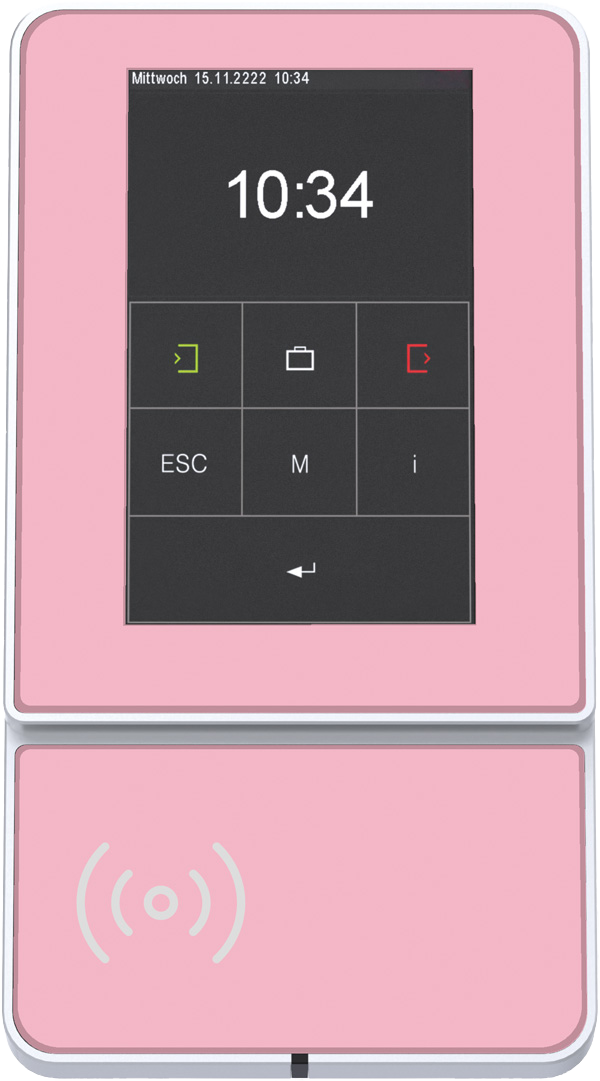
Choose colour
EVO 5.0 Flex
Real-glass front, aluminium frame and 15 colours: your brand at the entrance.
from 780 € plus VAT
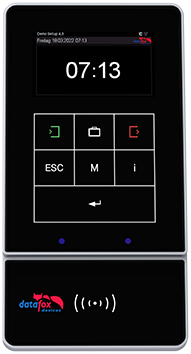
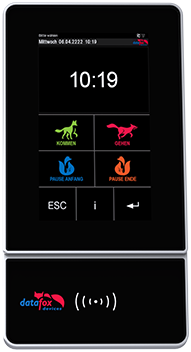
All prices are non-binding guide prices, net plus VAT. The price becomes binding only with your personal quote.
Which conni modules work with HiBob?
These modules are enabled for HiBob. What is possible depends on your software's API, which is why the list differs per system.



Common questions about HiBob & conni
- How do my Datafox clock-in entries get into HiBob?
conni processes the entries from the Datafox terminal and transfers them automatically into HiBob via the official API. You don't need to export or retype anything.
- Is the transfer to HiBob GDPR-compliant?
Yes. conni uses official APIs only, transfers data encrypted and runs on servers in Germany.
- Can I use my existing Datafox terminal with HiBob?
Usually yes. Tell us your model. We'll check compatibility and set up conni for HiBob.
- What does the HiBob integration cost?
The cost depends on terminal, modules and number of users. Request a no-obligation quote and we'll break it down transparently.
Connect HiBob now
HiBob is already in place, the terminal maybe not yet. Get advice on which model suits your environment, or request a quote straight away. Both with no obligation.
Prefer to do the maths yourself and see the prices right away? Configure your terminal now
Prefer to write or call? Contact us